
Switching from Microsoft Outlook to Zimbra Desktop? An important step in this process is to convert your Outlook PST file to Zimbra’s TGZ format. This guide will show you how to easily convert a PST file to TGZ for Zimbra Desktop. Let’s start reading!
Microsoft Outlook is a well-known and most powerful desktop email client. This application is also a part of the Microsoft Office suite. Both individuals and organizations use it to manage email communications.
It offers a comprehensive set of features that help users perform email operations smoothly. One of the most essential elements of Outlook’s functionality is its ability to store data using PST files.
Outlook stores all the data of an email profile inside a PST (Personal Storage Table) file on the user’s computer. Keeping the Outlook profile items in PST enables users to access their important data offline.
Also Read: – How to Convert OST to Zimbra TGZ file with Outlook Emails?
Zimbra Desktop and TGZ – Overview
Zimbra Desktop is another email program that many users are using across the world in different places. Just like Outlook, it allows users to manage email accounts as well as data such as emails, contacts, calendars, and tasks.
Zimbra also has the power to store users’ data locally and import data from other sources. But, instead of using PST (Outlook) for this, Zimbra uses a compressed file format called TGZ.
Why do users need to convert PST to TGZ format?
Users may need to convert Outlook PST to TGZ format for data migration from MS Outlook to Zimbra Desktop. Zimbra does not natively support PST files, so it requires converting PST to Zimbra compatible TGZ files. By doing this users can be able to import their emails and other data to Zimbra.
Innovative Solution for Converting PST files to Zimbra TGZ
Users who want to migrate Outlook data to Zimbra Desktop should take the help of Regzion PST Recovery/Converter software. It is a great tool that allows converting Outlook PST files to TGZ format for Zimbra Desktop directly.
You can complete the conversion by simply selecting the PST file and choosing ZImbra TGZ as the output format. It can efficiently export and save mail folders from PST to TGZ files. After the conversion completion, users can easily import TGZ file to Zimbra desktop without any problem.
How to use eSoftTools PST to Zimbra Converter Software?
To convert PST files to TGZ format for Zimbra Desktop using Regzion PST Recovery Software, follow these steps: –
- Begin by downloading PST to TGZ Converter software and installing it on a Windows PC.
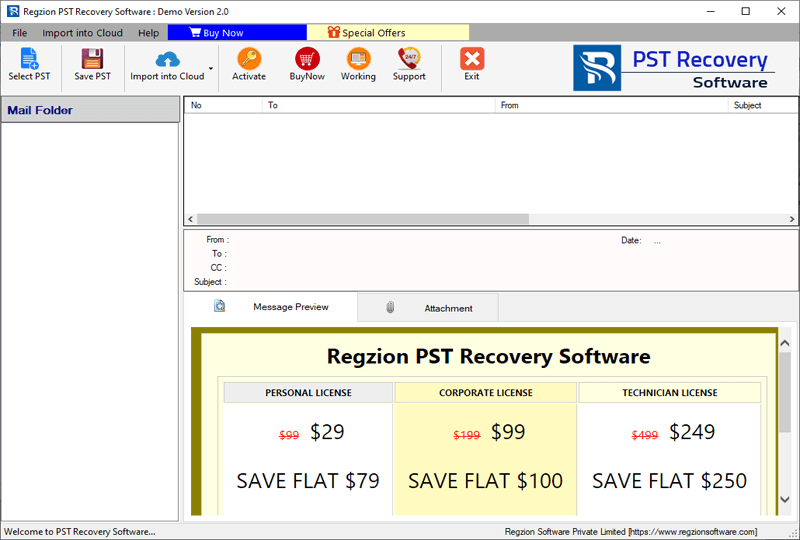
- Launch the software, click the “Select PST” button.
- Choose between single or bulk conversion modes depending on your needs.
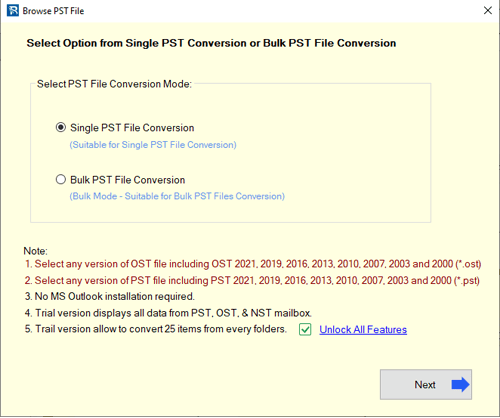
- Add one or more PST files to convert, depending on the chosen conversion method.
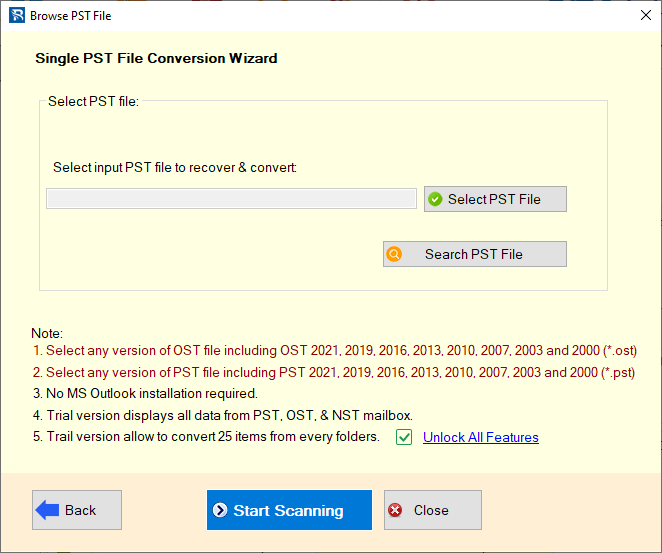
- Click the “Start Scanning” button and load Outlook mailbox folders and items from PST files.
- Choose the specific mail folders you want to convert from PST to TGZ format.
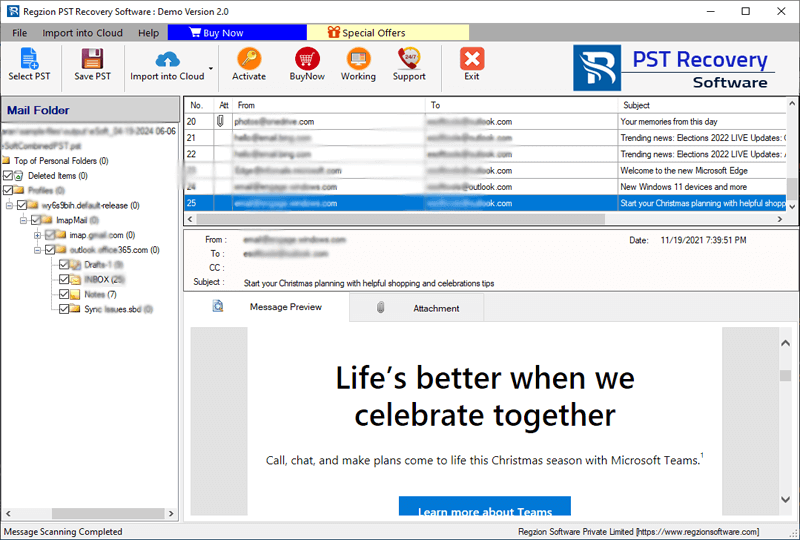
- Click on “Save PST” and select Export to TGZ option from available conversion formats.
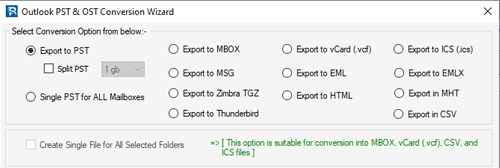
- Use mail filtering option to specify a date range for emails you specifically want to export.
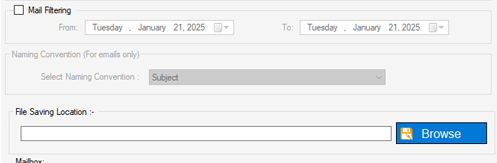
- Click “Browse” and choose destination folder on your PC where you want to save TGZ files.
- Press the Convert button to start Outlook PST to TGZ File conversion process.
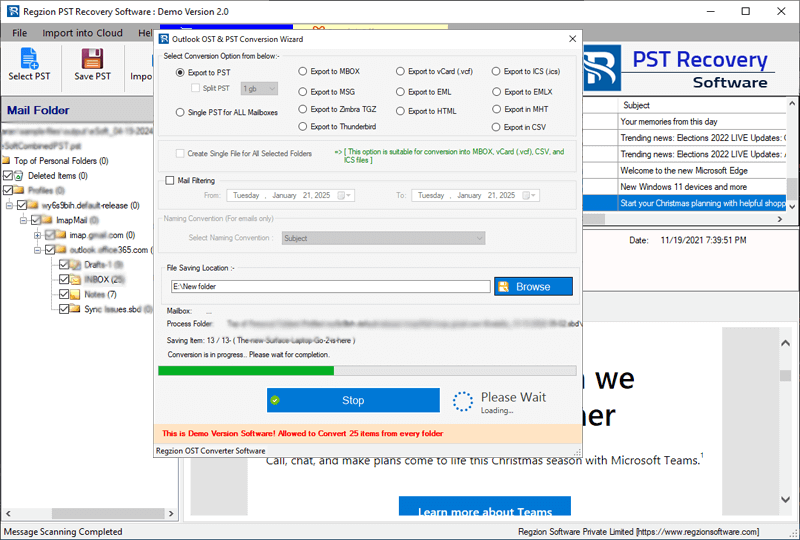
After the process completion, the software will create TGZ files containing Outlook PST file’s emails and other data, ready for use in Zimbra desktop.
Conclusion
To migrate Outlook profile data to Zimbra desktop, it is necessary to convert Outlook PST files to Zimbra’s TGZ format. Tools like Regian PST Recovery/Converter make this process simple. With the above blog, we have shown the complete steps by which users can easily copy and get Outlook data into TGZ files. So try it now.


No Comments yet!