
In this post, we address the frequently asked question: “How to import a Lotus Notes Archive into Outlook with easy steps?” We will outline manual techniques and free automated tools for converting NSF files to PST.
Overview
Both Outlook and HCL/IBM Lotus Notes are leading desktop email clients, offering advanced features for secure and reliable communication. However, Microsoft’s popularity has made Outlook the dominant choice. Everyone wants to switch to Outlook. Why is this, and why are people moving from Lotus Notes to Outlook? Let’s explore.
Also Read:- Best Lotus Notes to Office 365 Migration step-by-step
Why do users need to import a Lotus Notes Archive into Outlook?
MS Outlook offers many smart features and advantages, and that’s why users want to switch to it:
- Compared to Lotus Notes, Outlook offers better value and cost-effectiveness.
- Outlook is included in the Microsoft Office suite, providing users with applications such as MS Excel, PowerPoint, and Word. On the other hand, Lotus Notes is a standalone application.
- Users can easily configure and use multiple email clients using Outlook, but Lotus Notes does not have this feature.
- Outlook also has lower maintenance costs than Lotus Notes.
- Lotus Notes needs technical expertise, and its interface is challenging for users who aren’t technical.
Reliable Solution to import a Lotus Notes Archive into Outlook
There are several manual methods available online that allow users to export Lotus Notes Archive files to Outlook files. However, only a few of them work correctly. Therefore, you need to choose a method that can convert NSF files correctly. Regzion has launched NSF Converter Software for this purpose. This software will help you easily convert Lotus Notes Archive files to Outlook PST format. This software was designed after extensive research and has many powerful features. Additionally, you can convert Lotus Notes archive files to Outlook PST files without any problems using this software.
How to import a Lotus Notes Archive into Outlook with easy steps?
- Download, install, and run Regzion NSF Converter on your Windows PC.
- As a first step, click the “Select NSF” button from the main screen.
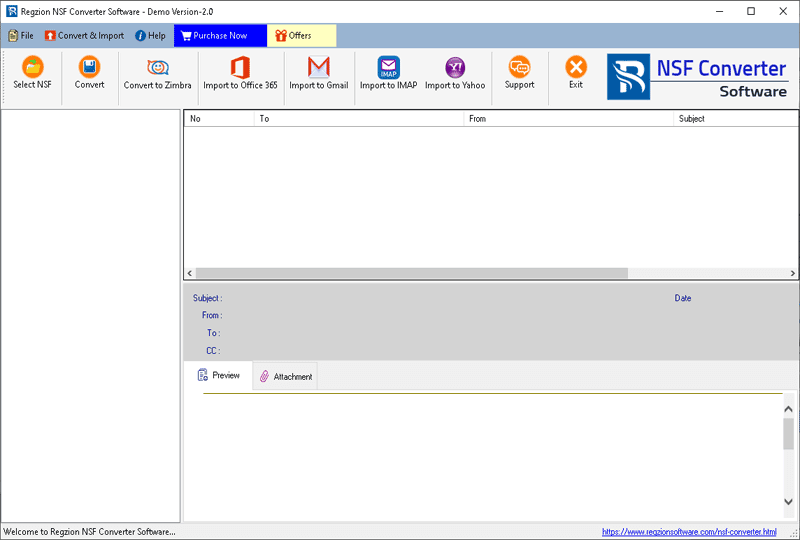
- Choose your preferred conversion option: Single NSF File Conversion, Bulk NSF File Conversion.
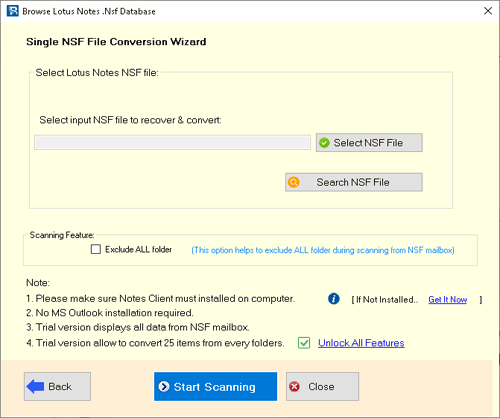
- Scan the NSF file to import Lotus Notes mailbox folders and items.
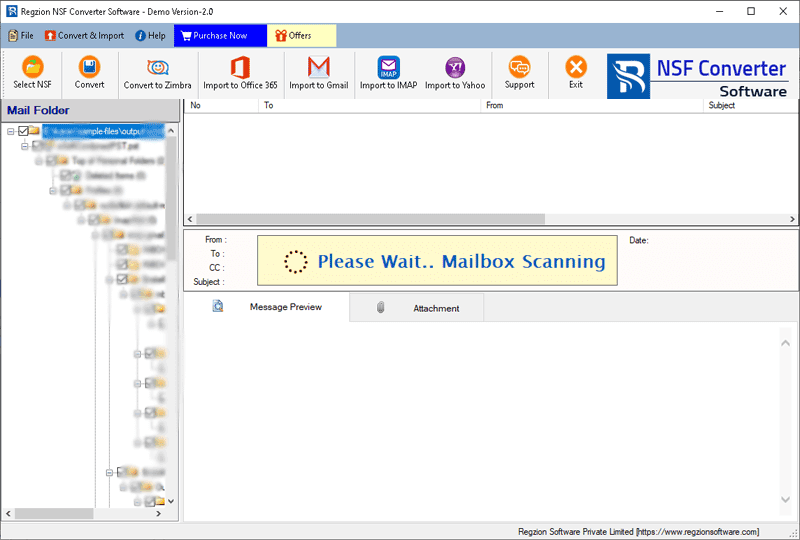
- Once scanning is finished, view all available mailbox items from the NSF file directly within the software.
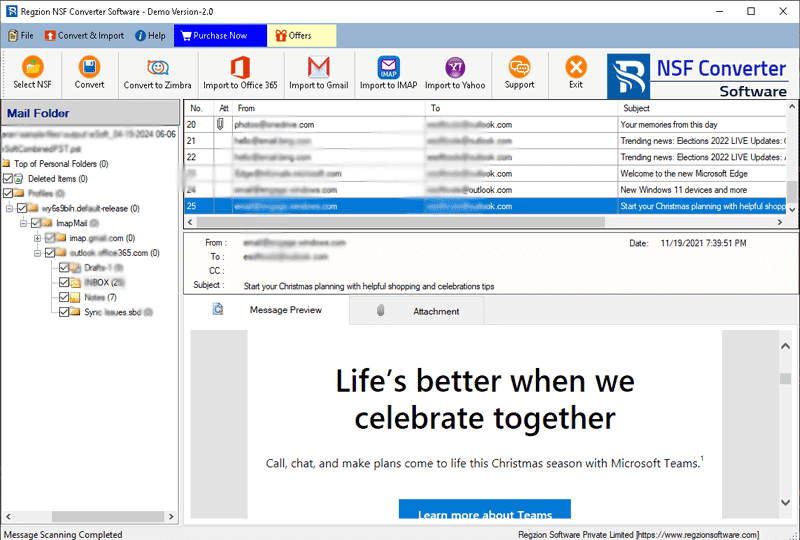
- Use the software’s preview panel to view NSF file items, select your destination folder for export, and initiate the conversion.
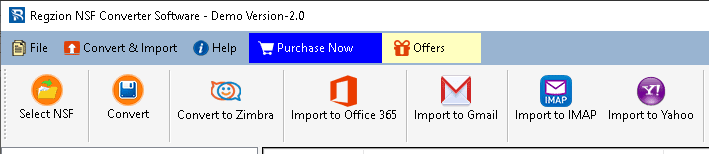
- To convert NSF files to Outlook PST files, select the PST conversion format.
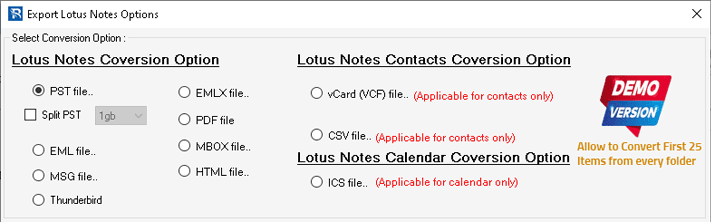
- Set up the required settings for your chosen conversion format:-
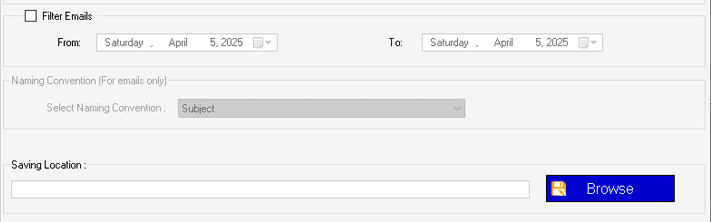
- Mail Filter: Select a specific date range for emails to export from the NSF file, allowing you to filter data based on the time period.
- Naming Scheme: Pick a naming structure for exported files (this option works for MSG, EML, EMLX, HTML, and PDF formats) to help you name the final files.
- Saving Location: – Select a destination on your computer for the converted files (location selection is not required when exporting to Thunderbird).
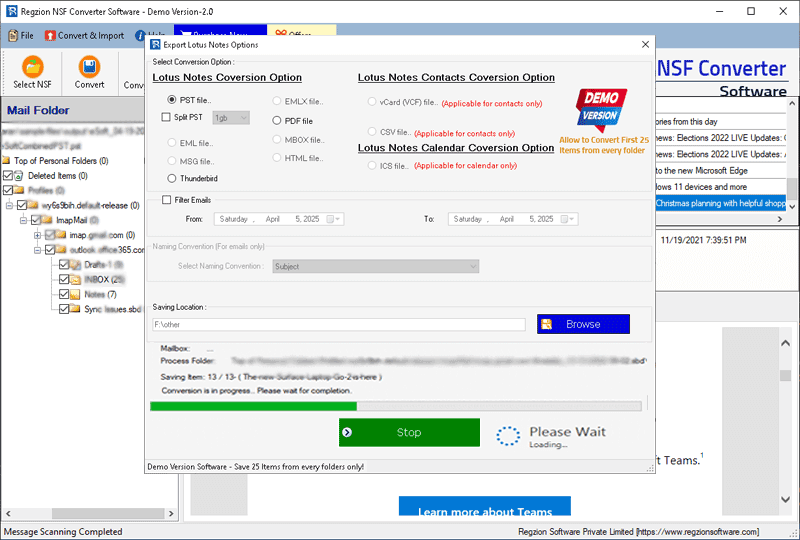
- Check your chosen options, modify settings as required, and click Convert to initiate the NSF file conversion process.
Benefits and features of Regzion NSF Converter Software
- Effortlessly convert NSF files to PST, EML, EMLX, MSG, HTML, MHTML, MBOX, Thunderbird, vCard, CSV, ICS, and Zimbra.
- Open the NSF file directly and view the internal data within the software.
- Convert one or more Notes NSF files in a single task.
- The best method to convert HCL/IBM or Lotus Notes (all versions) NSF files.
- Convert the NSF file, including all Lotus Notes mailbox items: emails, contacts, calendars, journals, tasks, and more.
- Convert NSF files of any size without restrictions.
- This software can be easily operated by both experienced and inexperienced people.
Conclusion
Manual methods for importing a Lotus Notes Archive into Outlook with easy steps are challenging, making a direct method preferable. The direct method is an excellent choice for converting Lotus Notes to Outlook, specifically using Regzion NSF Converter Software. This tool allows users to import their Lotus Notes archives into Outlook through a very simple process. With the NSF Converter demo version, you can convert up to 25 items per NSF file into any format for free.
FAQ
Yes, with this tool, users can easily convert all types of NSF files, including Names.nsf, as well as contacts and other mailbox elements like emails, calendars, journals, tasks, notes, etc.
Users can convert NSF files of any size without any problems, as there are no restrictions on file size.
Yes, it will work perfectly on all computers running any version of Windows: 11, 10, 8.1, 8, 7, Vista, XP, and older.

No Comments yet!