
In this article, we’ll show you some simple ways to migrate from Lotus Notes to Outlook easily. If you have important data in Lotus Notes that you want to transfer to Outlook, this blog is for you. Let’s explore the solution to the question, “How to convert an NSF file to Outlook for free?”
Overview
Outlook and HCL/IBM Lotus Notes are both among the most widely used desktop-based email clients available to users. Both email clients offer a wide range of advanced features for secure and reliable email sending and receiving. However, with Microsoft’s growing popularity, Outlook has become the most popular email client. Every user now wants to switch to this email client (Outlook). But what are the reasons, and why are users choosing to switch from Lotus Notes to Outlook? Let’s find out.
Also Read:- How to import a Lotus Notes Archive into Outlook with easy steps?
Why do users need to convert an NSF file to Outlook?
- Compared to Lotus Notes, Outlook is cheaper and more cost-effective.
- While Outlook is included in the Microsoft Office suite along with apps like MS Excel, PowerPoint, and Word, Lotus Notes is provided as a single, standalone application.
- Using Outlook, users can configure and use multiple email clients without any problem, but Lotus Notes does not provide this feature.
- Outlook also has lower maintenance costs than Lotus Notes.
- Lotus Notes requires technical skills, and its user interface is difficult for non-technical individuals.
Smart Solution to convert an NSF file to Outlook
The simplest way to convert an NSF file to Outlook is with Regzion NSF Converter Software. Users can convert NSF files to Outlook PST, MSG, HTML, MHTML, MBOX, vCard, CSV, ICS, PDF, EML, EMLX, Zimbra, and Thunderbird. It also allows you to upload selected or entire items from NSF files to Gmail, Yahoo Mail, Office 365, Outlook.com, and any other IMAP web or cloud email services. It is an automated solution that both technical and non-technical users can easily use without any prior knowledge. Users can use this software like any other computer application thanks to its simple graphical interface.
How to convert an NSF file to Outlook?
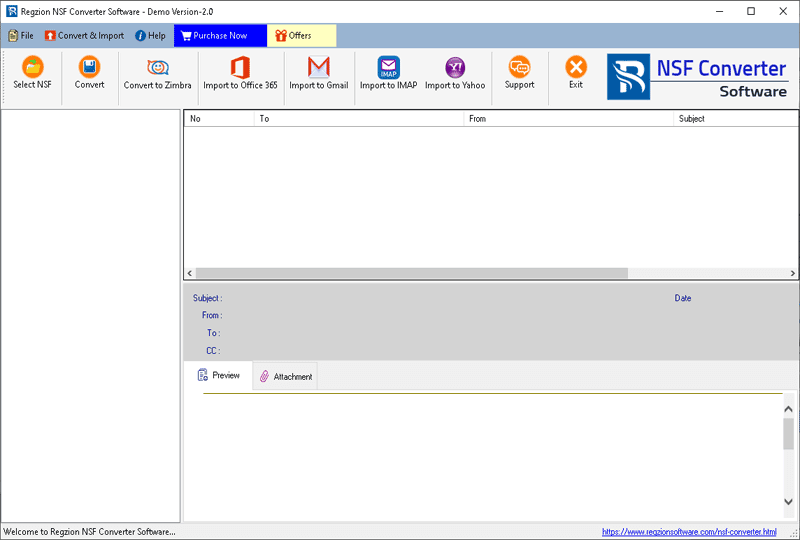
- Download, install, and run the Regzion NSF Converter software on a Windows computer.
- As a first step, click the “Select NSF” button on the main screen.
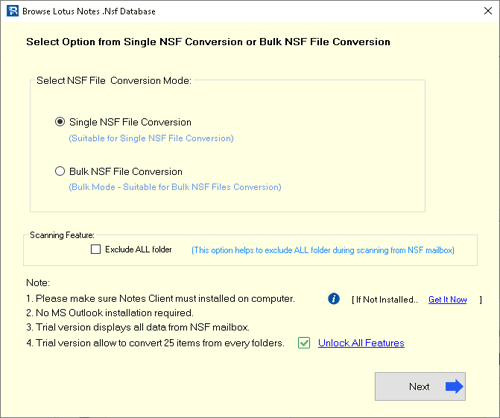
- Choose your preferred conversion option: Single NSF File Conversion or Bulk NSF File Conversion.
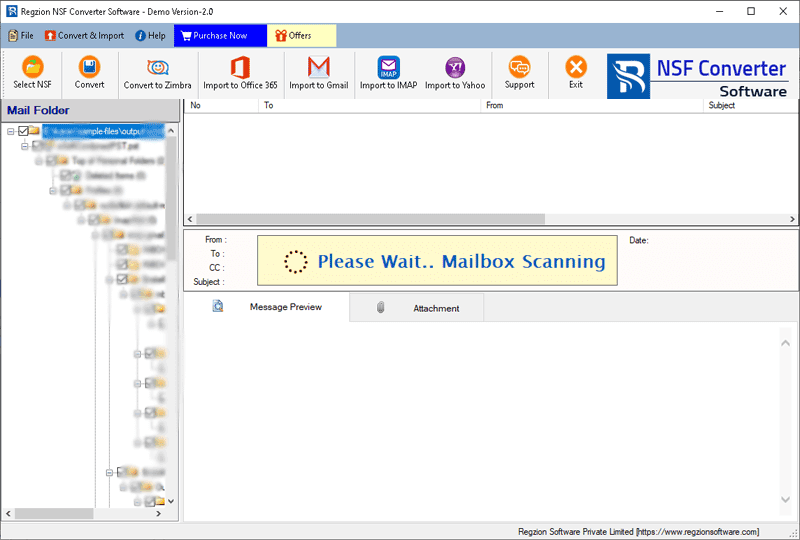
- Scan the NSF file to import Lotus Notes mailbox folders and items.
- Once scanning is finished, view all available mailbox items from the NSF file directly within the software.
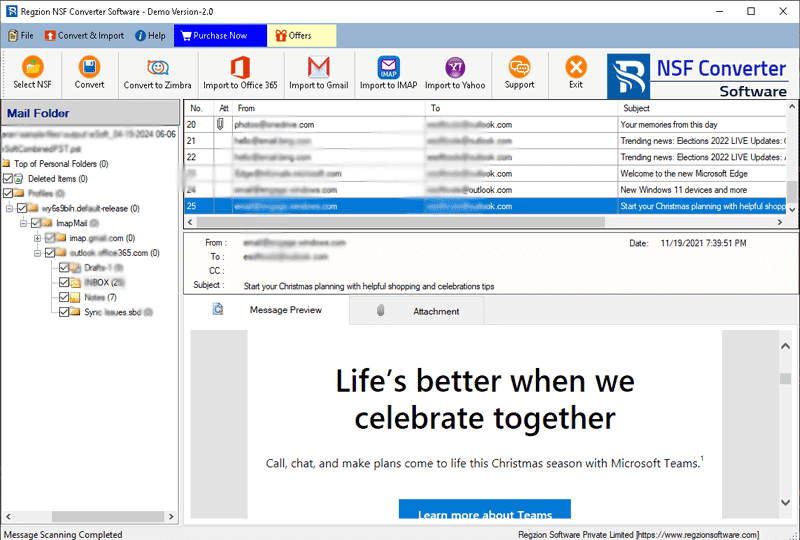
- Preview the contents of NSF files within the software, select a folder for conversion or export, and click the Convert button.
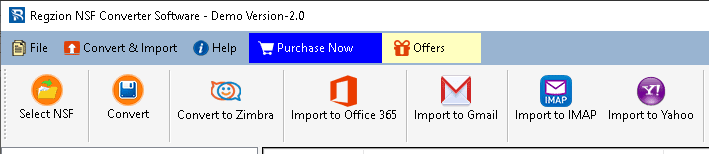
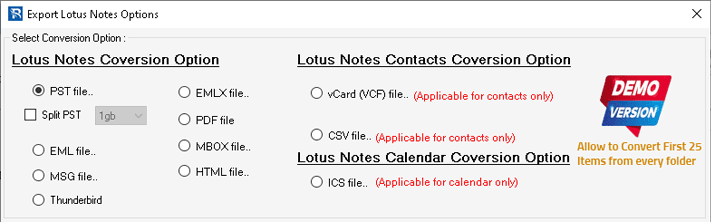
- Choose your preferred “Conversion format” (the file type you want to convert the NSF file into).
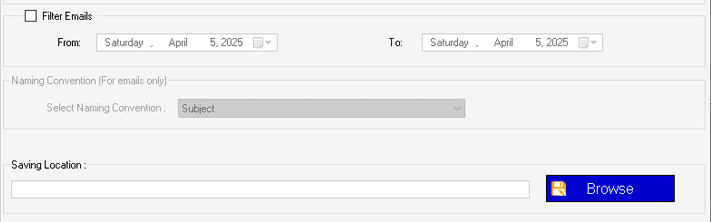
- Set up the required settings for your chosen conversion format: Mail Filter, Naming Convention, Saving Location.
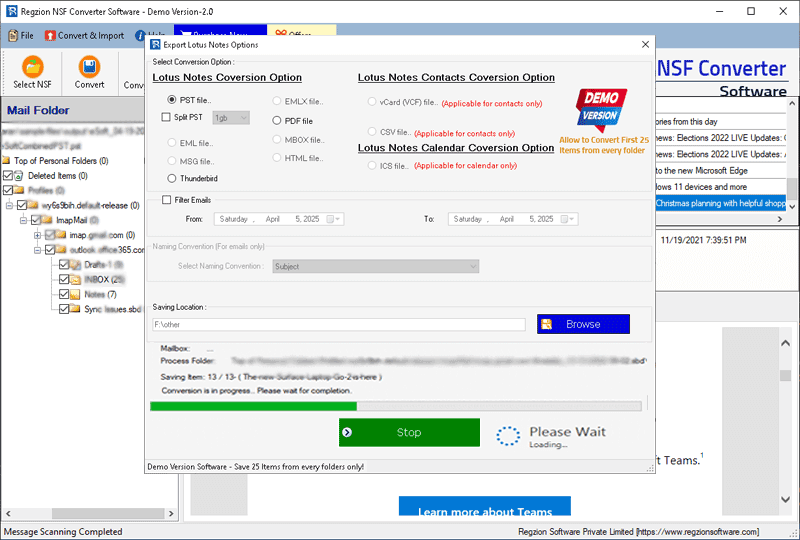
- Check your chosen options, modify settings as required, and click Convert to initiate the NSF file conversion process.
More features of NSF Converter Software
- Along with converting NSF to PST, users can also use this application to convert NSF to EML, EMLX, MSG, vCard, CSV, MBOX, HTML, Zimbra, ICS, etc.
- It is easier than other free methods to convert an NSF file to a PST file.
- Import Lotus Notes to Office 365, Gmail, and Yahoo Mail using this software.
- Convert one or more Notes NSF files within a single task.
- Open the NSF file directly and view the internal data within the software.
- Both technical and non-technical users can easily operate this software.
Conclusion
Users can also perform the conversion manually, but this is cumbersome and not suitable for every user. Therefore, we recommend using the Best NSF Converter software provided by Regzion. This software allows you to convert NSF files to PST most safely and reliably.
FAQ
With this single tool, users can easily convert NSF to 12 different file formats. You can easily convert NSF to PST, EML, EMLX, MSG, HTML, MHTML, MBOX, PDF, vCard, CSV, ICS, and TGZ for Zimbra and Thunderbird.
Yes, the software allows users to easily convert all NSF file types, including Names.nsf, and migrate mailbox elements like contacts, emails, calendars, journals, tasks, and notes.
File size is not restricted, allowing users to convert NSF files of any size seamlessly.
This tool allows users to convert NSF files from any Lotus Notes, IBM Notes, or HCL Notes version, such as 10.0.1, 9.0.1, 9.0, 8.5, 8.0.2, 7.0, 6.5, 6.0, etc.

No Comments yet!